
A Space for every project
Keep each project's notes, files and conversations together. Share a Space when you work with someone.
 Casa Alfama
 Hotel Comporta
 Studio
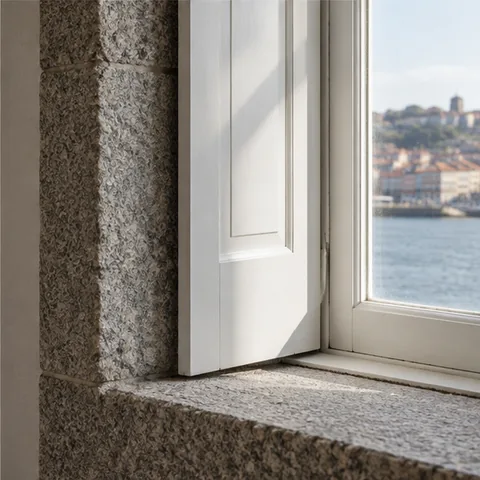 Porto apartment

Your notes, files and journal in one calm Mac app. Come back to any project, ask what changed, and see exactly where every answer came from.
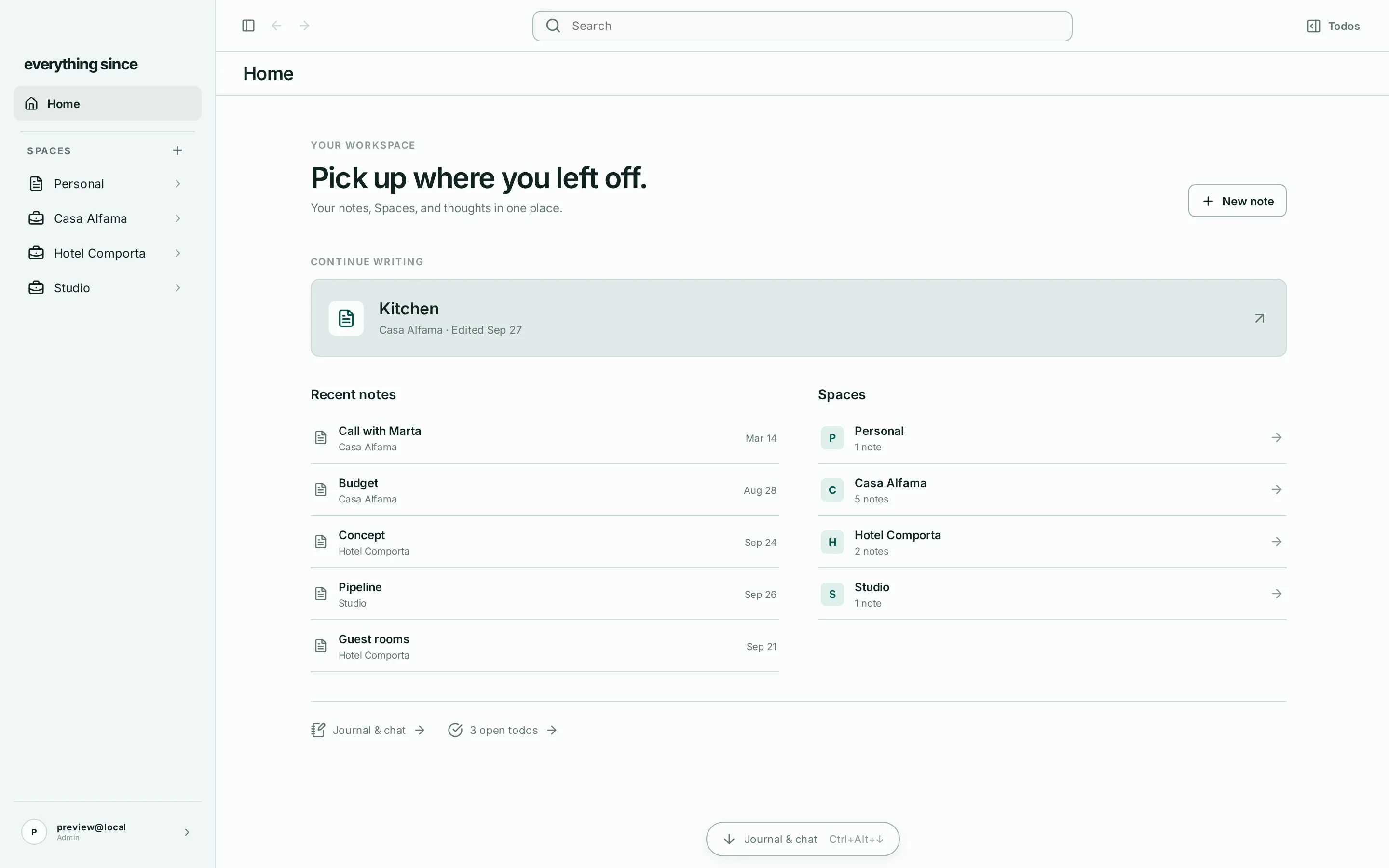
Free on your Mac. No account needed.Home opens on the note you were writing, with every Space a click away.
Casa Alfama keeps its client calls, design notes and site visits together, with a memory of its own.
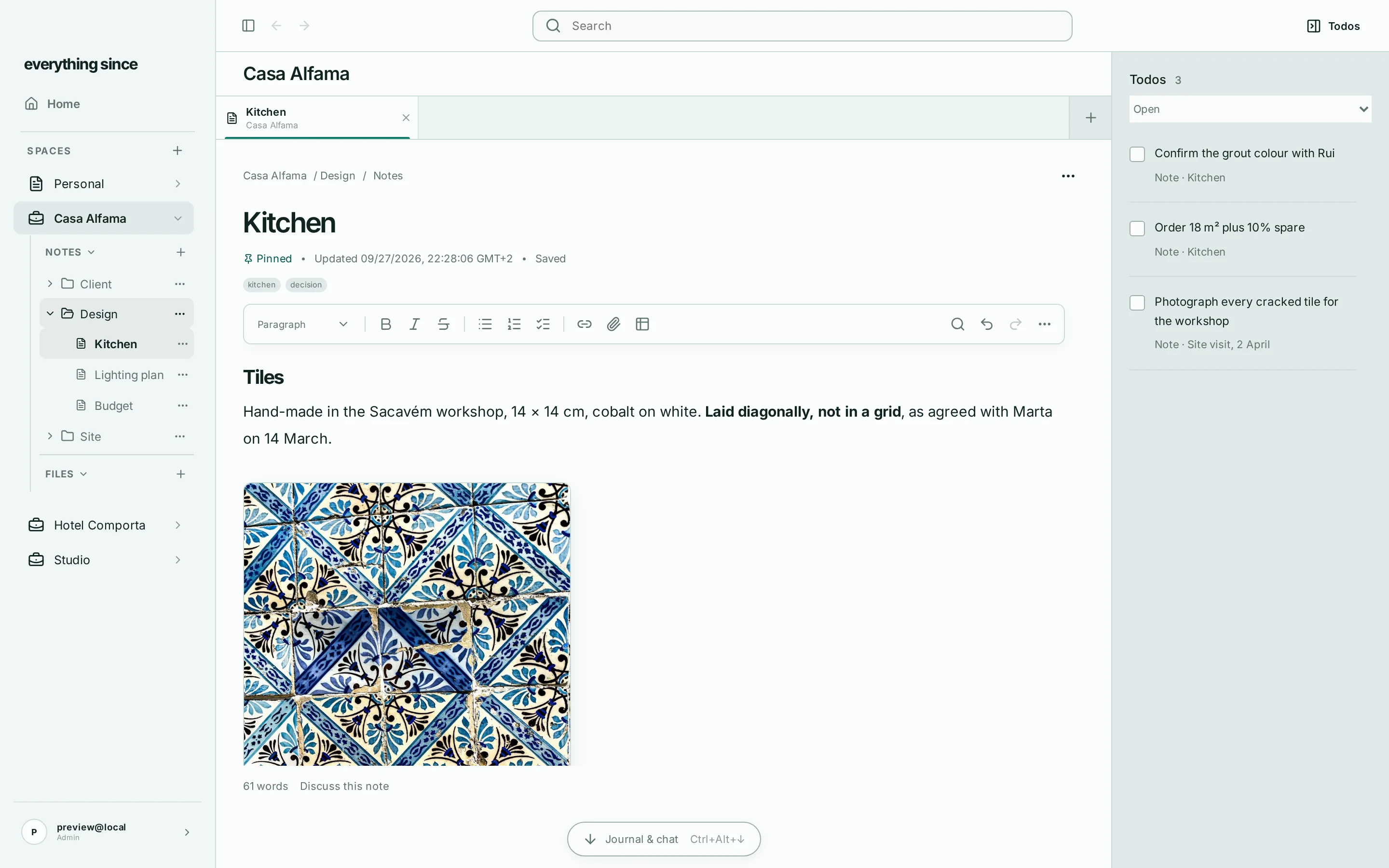
Type @todo in any note. The task keeps a link back to where you wrote it.
Drag to look around
Six months into a renovation, the decision is in a call note, the numbers are in a PDF, and the reason is somewhere in your journal. Everything Since keeps it on one thread.
Note
Call with Marta
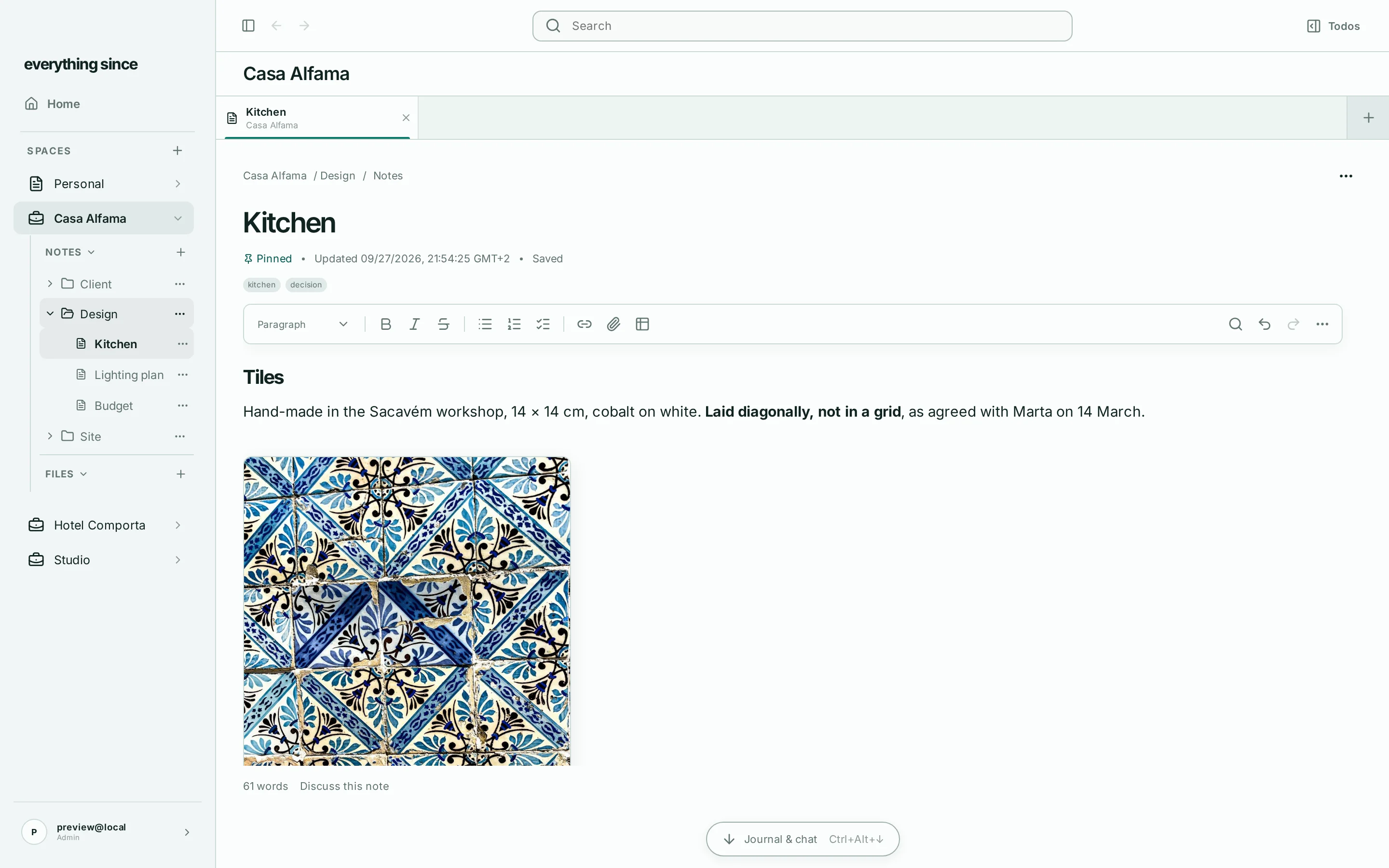
She loved the samples. Sacavém tiles, diagonal, not the grid.
Builder quote v2.pdf
Tiling, supply and fit: €9,100, up from €8,400.
Journal
Site visit
Two facade tiles cracked; the workshop can match them.

"Where did we land on the kitchen?"
Sacavém tiles, laid diagonally, €9,100. The grout colour is still open.
Call with MartaQuote v2.pdfKitchen
Intelligence answers from your Space, not the internet. Every claim links to the exact saved version of the note, file or journal entry behind it. When your notes don't say, it tells you.
Why diagonal?
Marta preferred how it opens up the small kitchen, and the workshop confirmed it adds no waste worth pricing.
Call with Marta Saved 14 March, 16:05 · version 3
She loved the samples. Diagonal makes the kitchen feel wider, she said, and it's worth the six-week wait.
Builder quote v2.pdf Page 2 · added 18 March
Diagonal layout: no additional charge; offcuts within normal allowance.
A Space for each client, study or company. Notes, files, tasks and your journal stay together, and the context grows as you work.
Keep each project's notes, files and conversations together. Share a Space when you work with someone.
Casa AlfamaHotel ComportaStudioPorto apartment
Write a few lines a day. Months later, ask what happened in March.

Type @todo in any note. The task keeps a link to where it was written.
Drop in files. Their text becomes part of the Space you can search and ask about.

Each note keeps its history. See what it said last week, and restore it.

Everything is on your Mac. Write and search with no connection at all.
A clean editor that formats as you type. Spelling in English and 25 more languages, with suggestions a right-click away.

Notes, journal, tasks and the text inside your files, in one search.
Sync keeps your computers and the browser up to date. Edits from both merge, so nothing is ever overwritten.

Built to be the place you keep things for years. That means you can always take them with you.
You don't need to move everything. Import a project you know well and ask it a question you can check.
The whole app is free on your computer. Add Intelligence for answers from your project's history, with Sync included.
Save up to 25% annually
€0/ forever
Your complete workspace on your computer. No account required.
Free Local. No account or card.
€180/ year
€15/month, billed annually.Ask about your project's history. Open the sources behind the answer.
Limited Intelligence usage, available for up to 14 days. No card required.
€72/ year
€6/month, billed annually.Your workspace across signed-in desktops and in the browser.
Checking paid-plan availability.
Your trial ends when the included Intelligence usage is consumed or 14 days after activation, whichever comes first. Add 10 notes, 3 processed sources, or import at least 10 notes; then activate the eligible trial with a verified account in the app. One trial per account and eligible device. No card required and no automatic subscription. The trial includes Intelligence, not Sync.
For paid plans, applicable taxes and VAT are calculated at checkout. Cancel in the billing portal; paid access continues through the current billing period. Local data and exports remain usable without a subscription. Hosted services follow the stated retention and deletion periods.
Anything else? Visit help and support
Everything Since brings project material into Spaces. Intelligence can use the Space's accumulated history in a new conversation and link its answers to supporting sources. You can keep working in the same workspace instead of rebuilding the background in each chat.
AI answers can be wrong. Open the linked sources to check important details. Intelligence is designed to say when there isn't enough supporting context; it cannot guarantee a complete or correct answer.
Local work stays on your device. If you enable Sync, the complete hosted workspace is encrypted; you can request deletion of hosted copies from your account. Selected project context is sent to the hosted service when you use Intelligence. Everything Since operates hosted Sync and Intelligence. If you use your own AI provider key, selected context goes to that provider. Read the data-flow guide.
Import from Obsidian, a Notion export, or Markdown and text folders. The source files stay unchanged. Local backups and readable exports don't require a paid plan. Hosted-copy deletion is managed separately from local data.
Everything Since is made for Mac, and will launch on macOS, Windows and Linux. Choose your platform when you download to see current availability. Local writing and search work offline; Sync and Intelligence need a connection. Sync and Intelligence plans also include browser access.
It ends at the time or usage limit, whichever comes first. No card is required and it doesn't become a paid subscription automatically. Your Local workspace remains available.

Bring a few notes. Add a file. Make it a Space.
Download for MacFree on your Mac. No account needed.